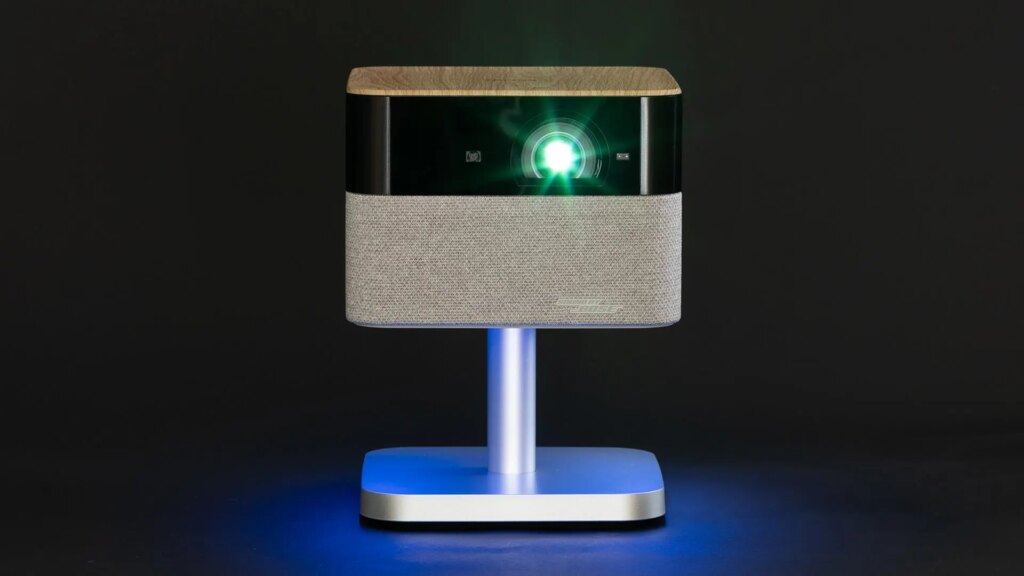


If you’re shopping for a projector, the specs and features can be very confusing. If one projector claims 2,500 lumens, does that mean it’s better than one that claims 2,000? If a projector boasts a contrast ratio of 1,000,000:1, is that many times better than one that has 10,000? What about lasers, LEDs, zooms and all the other specs? Frustratingly, too many of these specs are meaningless. Or at the very least, they’re inaccurate enough that they’re difficult, or even impossible, to compare across brands.
I’ve been testing and reviewing projectors for 25 years. I’ve learned that specs bear very little relation to how the projector looks in person. That’s why I test every projector I review for CNET with objective and subjective methods using my own eyes, my own specialized measurement gear and side-by-side comparisons on the same screen. Here’s how that works.
Naturally, this info can get a bit “into the weeds,” but hopefully it will give you an idea about the behind-the-scenes work that goes into my reviews.
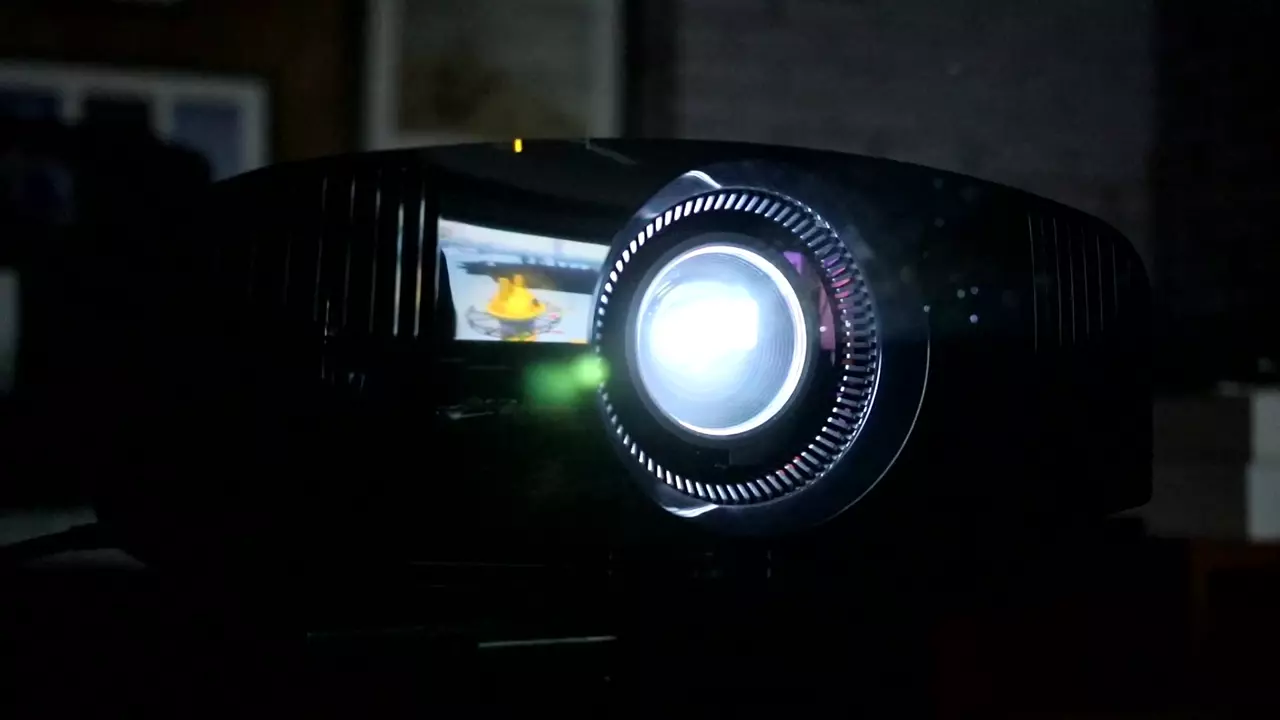
Initial setup and picture modes
First-time setup is important for any TV or projector. The out-of-the-box picture settings almost never let the display look as good as it can. With projectors, the ability to tweak is especially crucial since there’s a picture element the manufacturer can’t control: the screen.
One of the first things I do is adjust the contrast and brightness using test patterns. Sometimes color too, but this usually tends to be correct out of the box. I start in movie or cinema mode, but some models have a Filmmaker mode instead. Color temperature is usually the most accurate in movie mode as well, but if the image is noticeably cool or warm in color tone, I’ll adjust that too.
I place each projector as close as possible to the same location in my lab. This can vary a bit because every projector has a different lens. Generally, it’s around 10 feet from my 1.0 gain screen. The 16×9 portion of that screen is 102-inch diagonal. Its actual aspect ratio is 2.35:1, which makes big movies even more epic to watch. The screen’s size also makes comparing projectors side-by-side easier since it’s about 12 feet wide and a bit over 4 feet tall.
We recently started testing ultra-short throw, or UST, projectors. These projectors sit just a few inches from the screen and require more elaborate setup than their longer-throw cousins. Tiny adjustments to the position of the projector can result in significant changes to the size and shape of the projected image. I have an adjustable-height stand to get the vertical position correct, and then take an exacting amount of time making sure it’s exactly square to the screen. Because UST projectors project almost vertically, a lot more of their light bounces onto the ceiling. I take this into account when measuring brightness and contrast (more on that in the next section), but I also use a 103-inch ceiling-light rejecting screen for final subjective testing to see how they’d look with UST-friendly screen.
Once the projector is set up, I’ll watch a variety of content to see if I notice any issues that I should further check with test patterns.
Measuring brightness, aka light output

A projector’s brightness, generally measured in lumens, is one of the most important aspects of its overall performance. However, as mentioned above, the specs claimed by a manufacturer are rarely accurate. A projector with a claimed 2,000 lumens is usually brighter than a projector with 1,000 claimed lumens, but it’s likely not twice as bright.
Part of the issue is that manufacturers typically come up with their claims based on a perfect theoretical number in one specific mode. That mode is almost always one that looks far worse than what the projector can manage in a dimmer mode. It might have a blueish color temperature (more on that in a moment), inaccurate colors and, increasingly commonly, egregiously loud fan noise.
I measure the projector’s light output in its most accurate mode. This is also the mode I do my subjective viewing and comparisons. I’ll also measure the projector in its brightest mode and describe the trade-offs it introduces.

When I say “measure,” I’m not talking about a ruler. I use specialized test equipment to objectively measure a projector’s output. In this case, a Minolta LS-100 meter gives me the projector’s luminance in candelas per square meter (cd/m2). Then, if you know the size and gain of the screen, you can do a bit of math to find the estimated lumens. Since I always use the same screen for testing, this is easy.
In recent years, projector brightness claims have, surprisingly, gotten more accurate. Most projectors I test now are within 10-20% of their claims. Given different measurement methodologies, unit-to-unit variation and other factors, that’s as close as one could reasonably expect. This carries over to other projector review sites. If they measure brightness at all, it will vary somewhat but should be fairly close. Occasionally, I’ll review a projector with specs greater than 20% off spec, which is a little suspect but not enough for pitchforks. It’s just worth noting, which I do.
Contrast ratio methodology

Just like with TVs, contrast ratio is easily the most important aspect of a projector’s overall image quality. A projector with low contrast will look washed out, with grayish blacks and/or dimmer whites. Contrast can be challenging to measure correctly. How I measure contrast ratio is a little convoluted, but every step is to minimize measurement error and increase your ability to compare different projectors I’ve reviewed.
Using the most accurate picture settings and a Minolta LS-100 light meter, I measure a full black image and then a white window (100% white, but just in a small portion of the screen). I do this using whatever laser/LED and iris modes are available, though specifically without any auto-iris or “dynamic” laser/LED-intensity modes (more on these in a moment). Then, in whatever mode seems best, I measure again using an AEMC CA813 illuminance meter at a set distance from the lens. I average all these measurements together for the average overall contrast ratio.
My methodology is a slightly modified version of the one I learned at the Display Metrology Course at the National Institute of Standards and Technology, but which is sadly no longer offered. The main issue with contrast ratio measurements is that small variations can drastically change the overall measurement. For instance, if I measure 0.002 cd/m2 instead of 0.001, that changes the contrast ratio by half. Variations of 0.001 are quite easy and not detectable by the eye. For instance, objects in the room can reflect back on the screen, impacting the measurement. Light bouncing off the ceiling, back onto the screen and then into the light meter is another factor. So for consistency, I keep everything the same. The CA813, which measures the light directly from the lens, eliminates the room from the measurement, and acts as a sort of check against the luminance measurements from the LS-100. Averaging multiple measurements across different brightness levels is another way to average out slight errors in individual measurements. There are also ways to minimize any stray ambient light in the room, but I can’t share all my secrets.

AEMC CA813 illuminance and Minolta LS-100 luminance meters I use for projector measurements.
In my decades of projector testing, I’ve found that being careful with the room, averaging multiple measurements, using two types of meters and the other steps in my methodology results in a final result that’s very internally consistent. If I measured a projector I reviewed 5 years ago, I’d still get as close to the same result as is rationally feasible. That consistency is important to me since I want you to be able to compare the different projectors I’ve reviewed with as much accuracy as possible. As I’ve mentioned, you can’t do this accurately using manufacturers specs alone. It’d be great if you were able to do this across different review websites, but getting video reviewers to agree on a standard of reviewing and measuring is far beyond my purview. You can compare my reviews with my other reviews, and that’s all that’s really possible without some international projector reviewer consortium. Such a body would have meetings, and I hate meetings.

An auto-iris in action.
BenQ
The method listed above gets us the projector’s “native” contrast ratio, which is what you see at any given moment on-screen. Many projectors also have the ability to adjust the contrast ratio dynamically. They can use an iris on the lens or adjust the power of the laser or LED light source. The projector “looks” at the video signal, and if the scene is supposed to be dark, it will close the iris or decrease the laser/LED power so the image appears darker.
While this does technically create darker black levels, in that the darkest parts of the image are physically darker, the trade-off is that the bright parts of the image are also darker. Everything is darker. Done well, dynamic contrast can help improve the projector’s overall image quality, but it’s less helpful than native contrast ratio for comparisons. It’s also somewhat misleading, since at any given moment the projector can’t look better than its native contrast ratio — even though its far higher dynamic contrast ratio is a more impressive number. So I measure both, but the native number is far more important.
Read more: What Is TV Contrast Ratio?
Color and color temperature

Note the color differences between the three images.
Screenshot: Geoffrey Morrison – Image: Touchstone
Compared to brightness and contrast ratio, measuring color and color temperature is relatively easy. Using a C6 HDR5000 colorimeter, I measure the exact colors produced by the projector. How red is the red, how green is the green, and so on. This is more accurate than just saying “well, the grass looks very grassy.”
Beyond the red, green and blue primary colors — and the cyan, magenta and yellow secondary colors — the Portrait Displays Calman software also lets me test for a variety of in-between colors and shades, to get a broader idea of how well the projector creates color.
For the most part, modern home theater projectors in their movie or cinema mode are able to produce fairly accurate colors. Portable projectors tend to be more of a mixed bag, usually in an attempt to squeeze out as much light as possible.
Projectors have historically struggled with the wider range of colors possible with most HDR content. However, with the rise of laser and LED light sources, while they’re inching closer to the wide color gamut of TVs, they are still well behind. Most non-portable models can at least create colors beyond what’s possible with HD.
Read more: Ultra HD 4K TV Color, Part I: Red, Green, Blue and Beyond
Comparison tests

The JMGO N3 Ultimate
Geoffrey Morrison/CNET
Objective measurements go a long way to telling me about a projector’s performance, but they have limits. Many projectors use the same internal components and could measure similarly, yet look different from each other in person. This can be due to a variety of factors, including specific settings chosen by the manufacturer, their video processing choices and more. That’s why I compare every projector I review side-by-side for CNET with other, similar projectors.
To do this, I connect two or more projectors to an HDMI splitter. A splitter takes a single HDMI source, like a streaming device or Ultra HD Blu-ray player, and splits it into multiple, identical signals. I then view the projectors side-by-side on my 12-foot-wide, 2.35:1, 1.0-gain screen. Usually, I’ll move the projectors closer to the screen so the image is smaller and each can display its full image. With some models, especially UST projectors, this isn’t possible, so I’ll block off a portion of the image so they all fit at the same time.

I then watch a mix of content, but always a few key selections that I watch on everything. For years, I used the opening of The Fifth Element on DVD (Aziz, LIGHT!), which should amuse anyone who remembers me from Home Theater Magazine. These days, my go-to clip is Thor and Loki meeting with Odin on the cliffside in Thor: Ragnarok. Lots of real and fantastical colors during this scene and the ones that follow it. I also like the test clips on the Spears & Munsil UHD HDR Benchmark. Because what would a video test be without slow-moving clips of nature? With most projectors, I’ll also have them as my main “TV” for days or sometimes weeks, watching a variety of TV, movie and gaming content.
What about calibration?
One thing you might notice that’s missing from my tests is calibrating the projector. Calibration is the process of fine-tuning the color and color temperature to get the projector looking as good as possible. It goes far beyond the simple user-menu setup and requires specialized gear. I certainly have that gear, as well as the know-how. I’m ISF trained and have been calibrating displays for more than 25 years.
While calibrating a display can definitely improve how it looks, its use in a review is limited. If I find out that a $1,000 projector looks better if you spend $400 or more on a calibration, what value is that? I can’t assume most people would be willing to spend that money. Also, the only things calibration can improve are color and color temperature. While those are definitely important factors in a display’s overall performance, they are not nearly as important as brightness and contrast ratio. Also, most projectors these days are reasonably accurate in both aspects. Could they look better with careful calibration? Sure, but not by enough that I recommend most people spend the money. If I wouldn’t recommend it, I don’t think there’s much point in spending time on it in a review.

So if you want to get your projector calibrated, it can improve the image. Nearly every modern home theater projector can be calibrated. It’s not going to make a $1,000 projector look like a $3,000 projector, however. If you want to eke out every drop of performance and accuracy from your projector, and you don’t mind paying for it, it’s worth considering.
In addition to covering audio and display tech, Geoff does photo tours of cool museums and locations around the world, including nuclear submarines, aircraft carriers, medieval castles, epic 10,000-mile road trips and more.
Also, check out his books Budget Travel for Dummies and the bestselling sci-fi novel about city-size submarines. You can follow him on Instagram and YouTube.


Khamrah by Lattafa for Men - 3.4 oz EDP Spray
4% Off
Ghost Sweetheart Eau de Toilette | Pineapple, Jasmine and Sandalwood | Perfume for Women 50 ml
50% Off
Marc Jacobs Dot Eau De Parfum for Women, 100 ml
42% Off
Ted Baker W Eau de Toilette for Her, Fig Leaf, White Peony and Violet Top Notes, Pink Orchid and Raspberry Middle Notes, 75ml
£11.77 (£15.69 / 100 ml) (as of 23/10/2026 06:37 GMT +01:00 - More infoProduct prices and availability are accurate as of the date/time indicated and are subject to change. Any price and availability information displayed on [relevant Amazon Site(s), as applicable] at the time of purchase will apply to the purchase of this product.)
Ted Baker Woman Pink Eau de Toilette Spray Floral Green Feminine Fragrance, Opening Notes are Fresh Peach, Bergamot and Tangerine with Warm Musk, Vanilla and Vetiver Base, 100ml
11% Off
Vera Wang Princess Eau de Toilette - 30 ml

Choco Musk 50ml Eau De Parfum for men and women | Chocolate Musk by Jannat Aromas
17% Off
Christina Aguilera Signature Eau de Parfum (50ml) Floral, Fruity & Exotic Scent, Luxury Fragrance for Women
9% Off
Calvin Klein - Eau De Toilette CKIN2U - Calvin Klein Women, Ladies Perfume, Women's Perfume, Calvin Klein Perfume, Calvin Klein One - 150 ml
5% Off
Jimmy Choo Flash Eau de Parfum, 60 ml (Pack of 1)
3% Off
Fruit of the Loom Men's Heavy T Shirt, White, XL UK
28% Off
ATNKE LED Lighted Beanie Cap,USB Rechargeable Running Hat Ultra Bright 4 LED Waterproof Light Winter Warm Gifts for Men and Women/Pink
17% Off
Men's 1/4 Zip Pullover UK Sale Clearance, Fleece Sweatshirt Casual Jumper Long Sleeve T-shirt Top Stand Collar Sweater Plain Pullover Sports Leisure Workwear Quarter Zip Sweater Lightweight Jumpers
£5.88 (as of 12/11/2025 00:52 GMT +01:00 - More infoProduct prices and availability are accurate as of the date/time indicated and are subject to change. Any price and availability information displayed on [relevant Amazon Site(s), as applicable] at the time of purchase will apply to the purchase of this product.)
Crevice Cleaning Brush, Bathroom Tile Groove Gap Cleaning Brush,Premium Crevice Cleaning Tool Aluminum Support with 15° Angle Magic Brush, Thin Brush for Home Kitchen
19% Off
Wireless Earbuds, Bluetooth 5.3 Headphones in Ear with HiFi Stereo Deep Bass, 4 ENC Noise Cancelling Mic Wireless Earphones 40H Playtime, Bluetooth Earbuds Dual LED Display, IP7 Waterproof, USB-C
42% Off